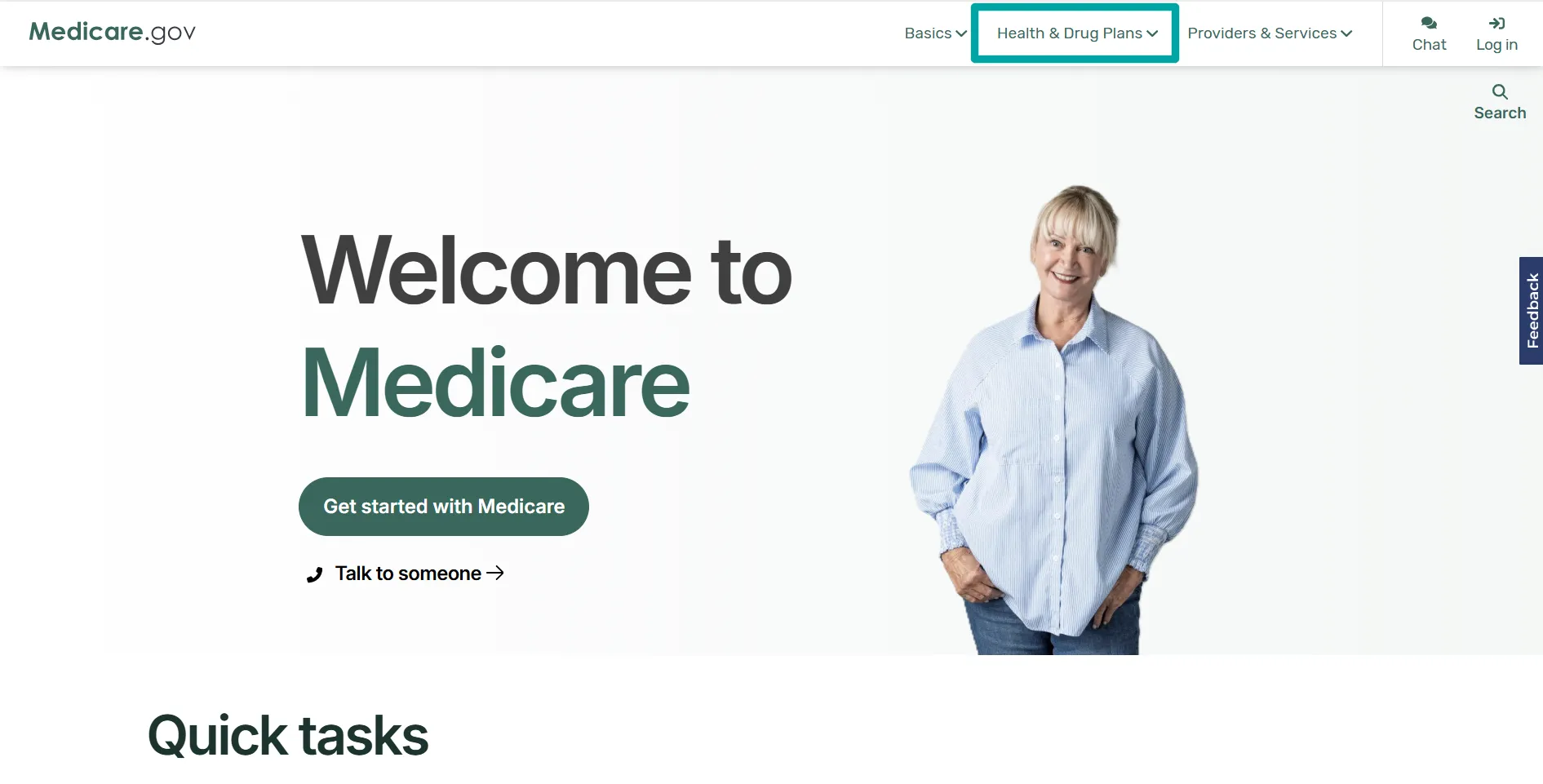
Step 1: Open Medicare.gov
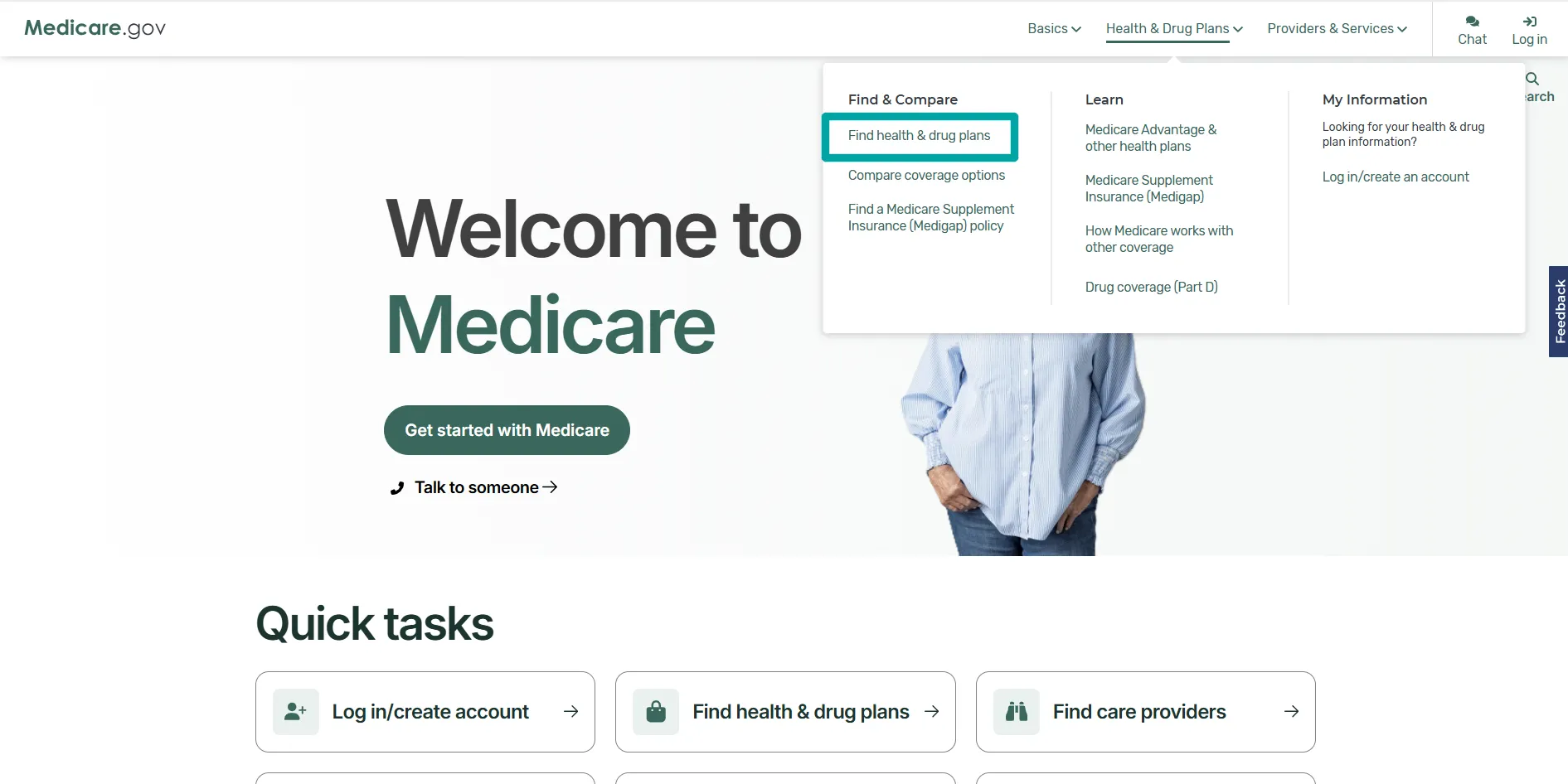
Step 2: Choose Find health & drug plans
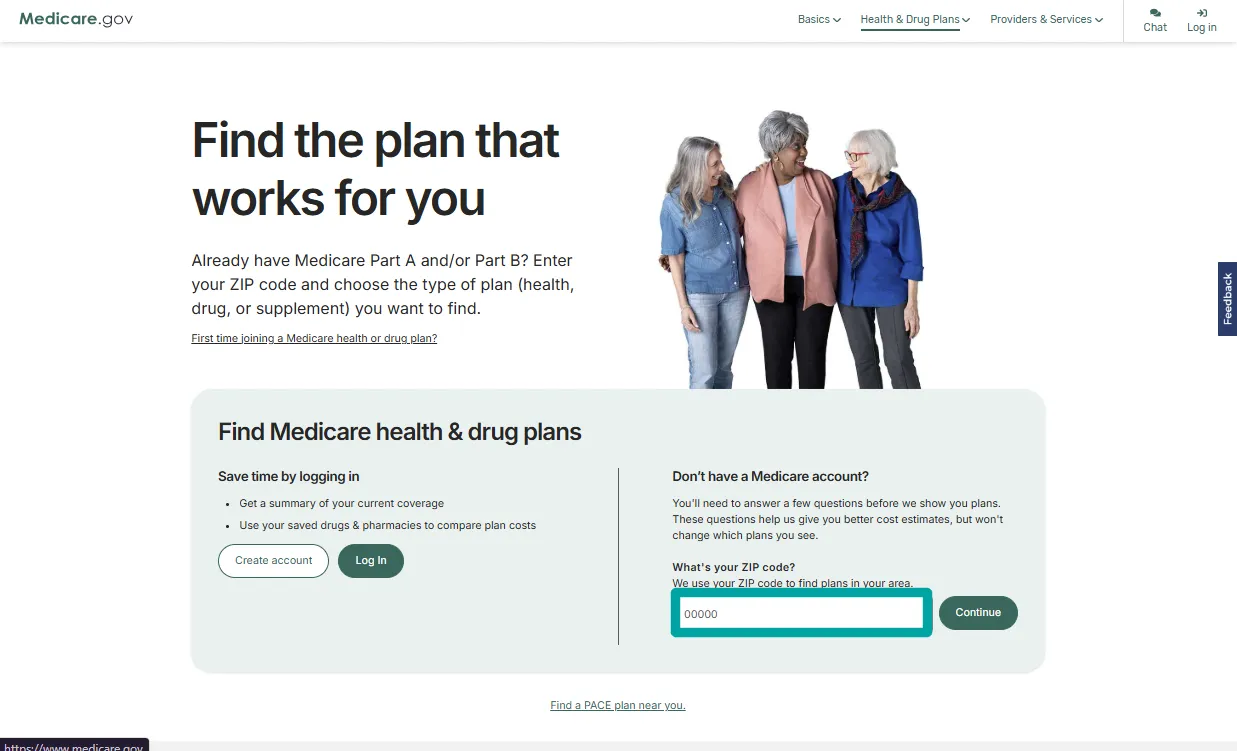
Step 3: Enter your ZIP code
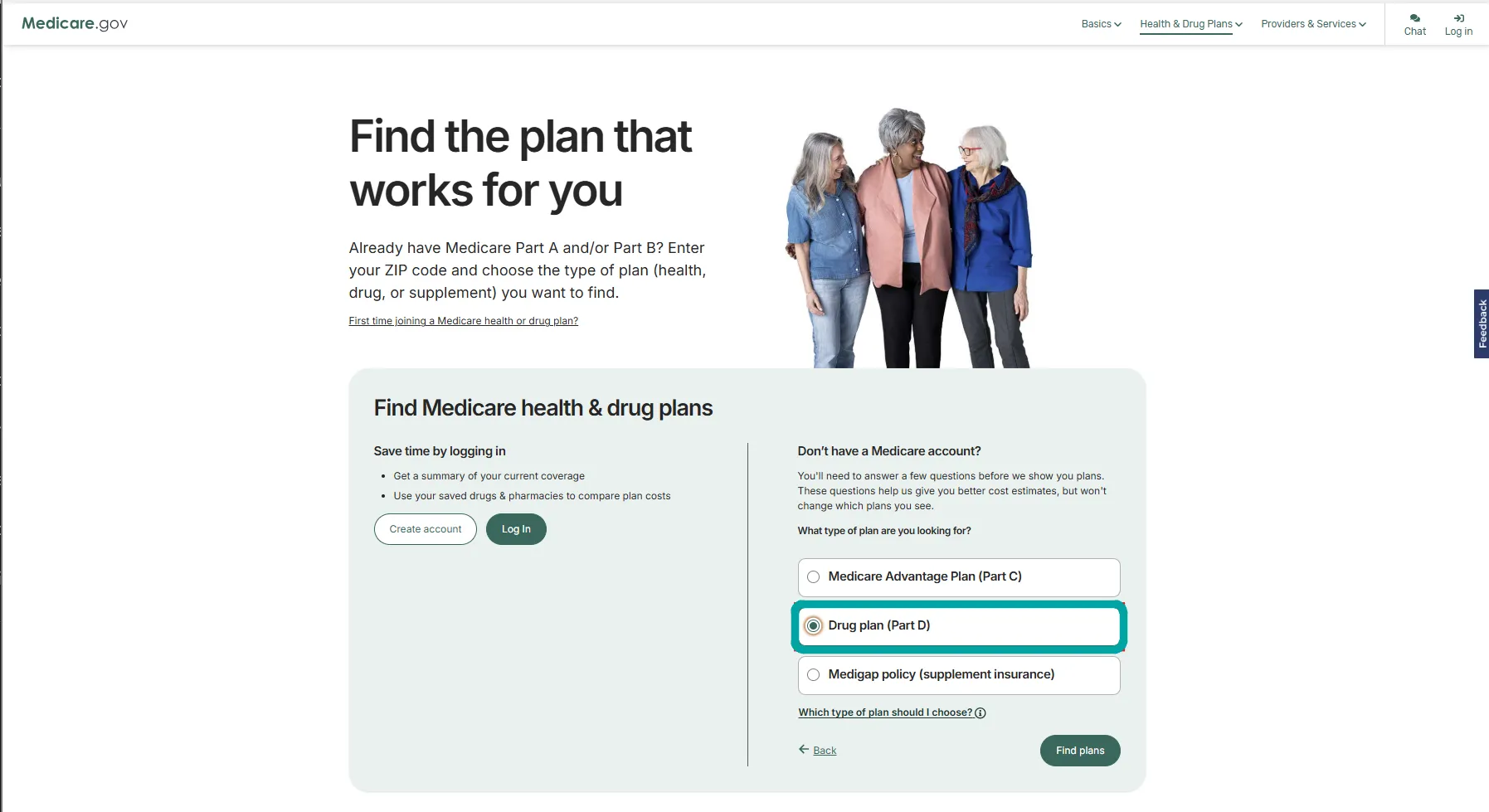
Step 4: Select Drug plan (Part D)
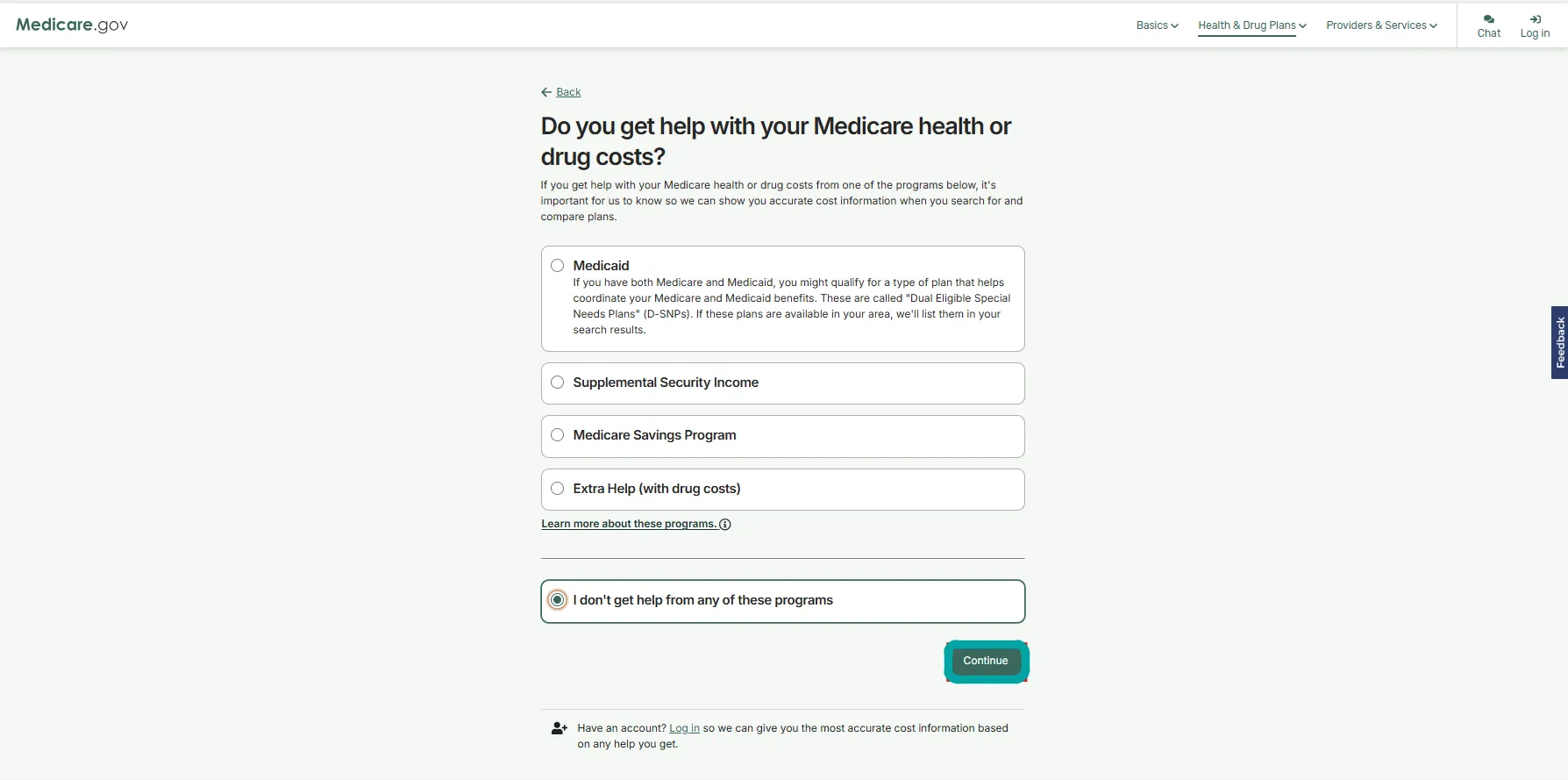
Step 5: Indicate whether you receive help with costs
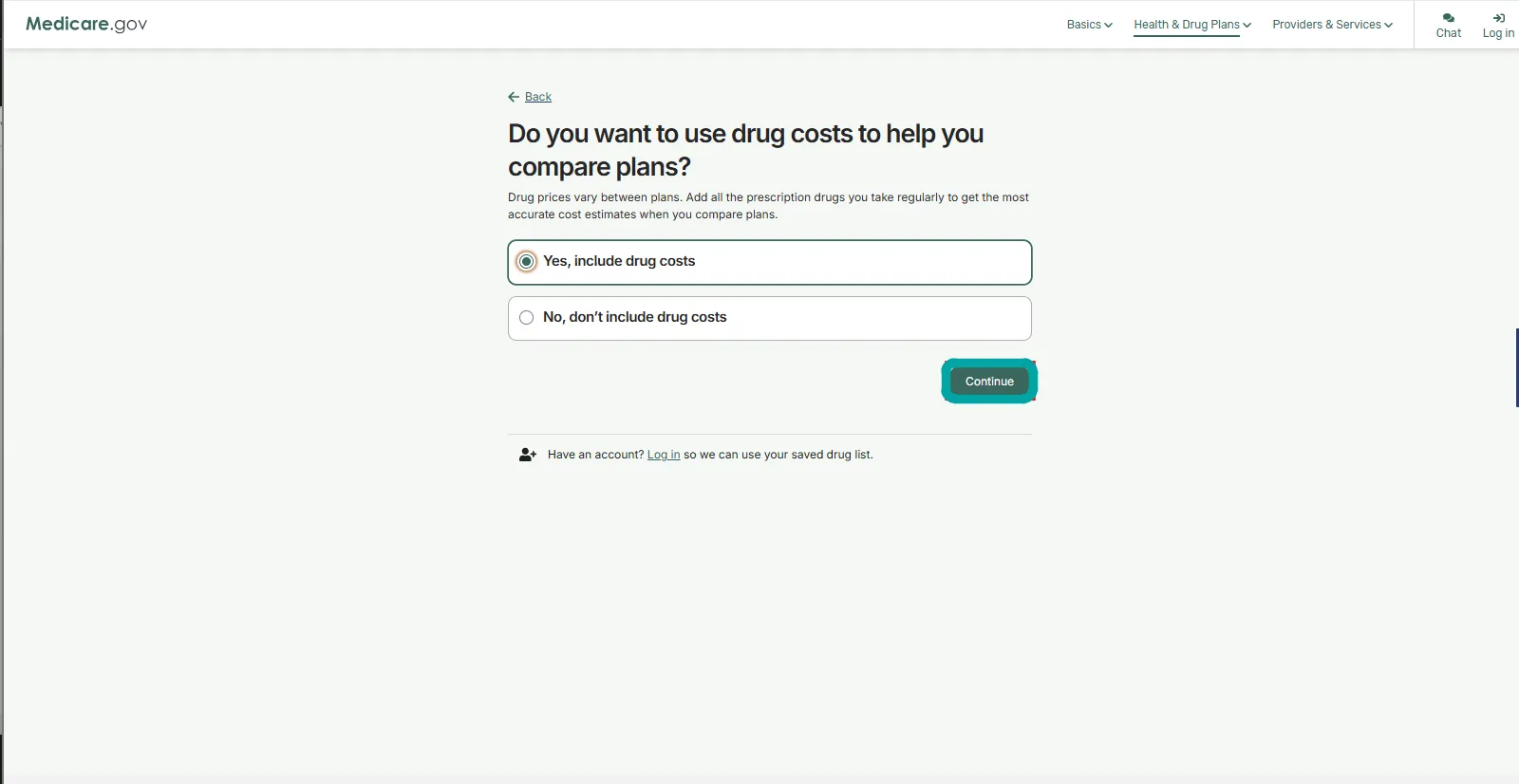
Step 6: Choose whether to include drug costs
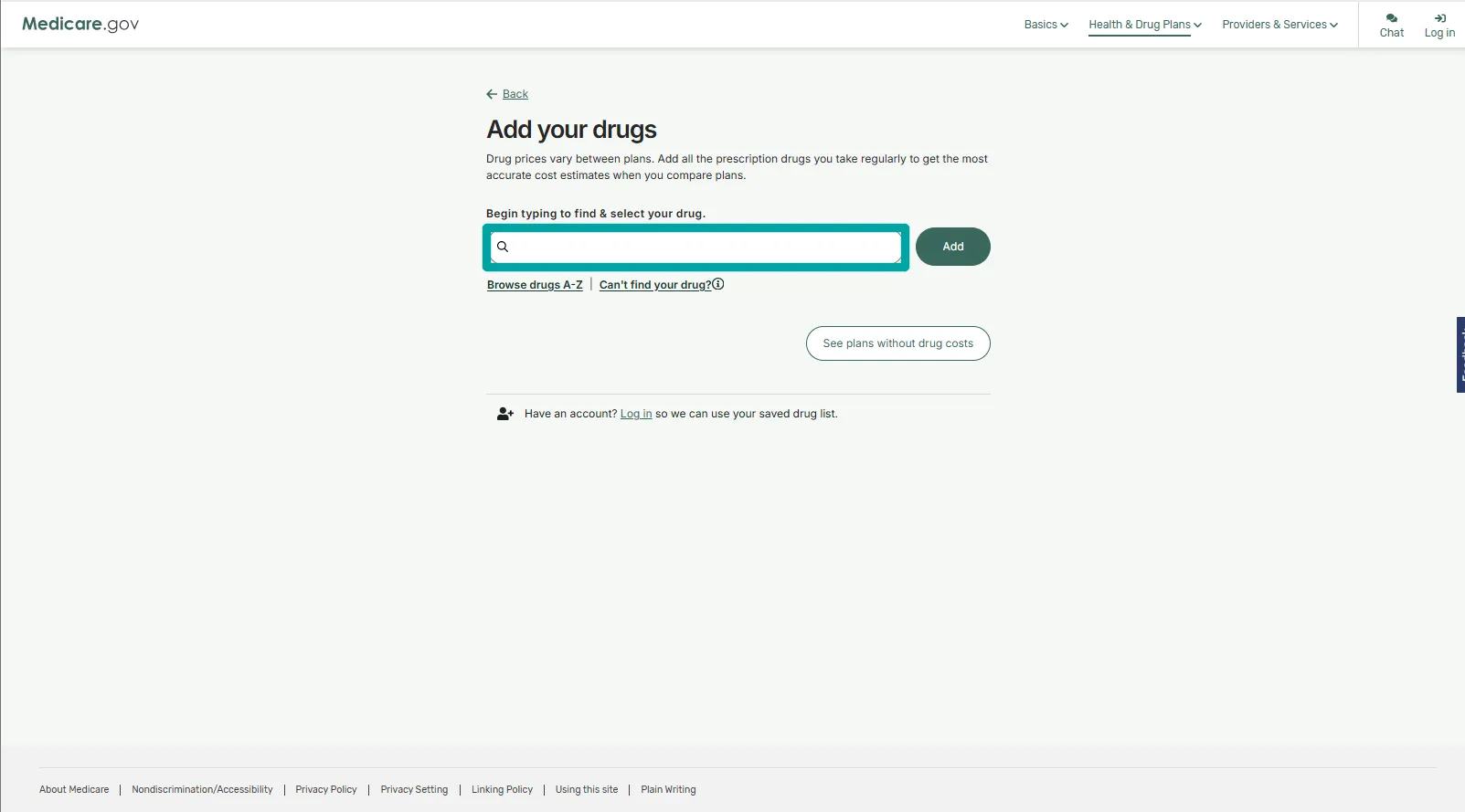
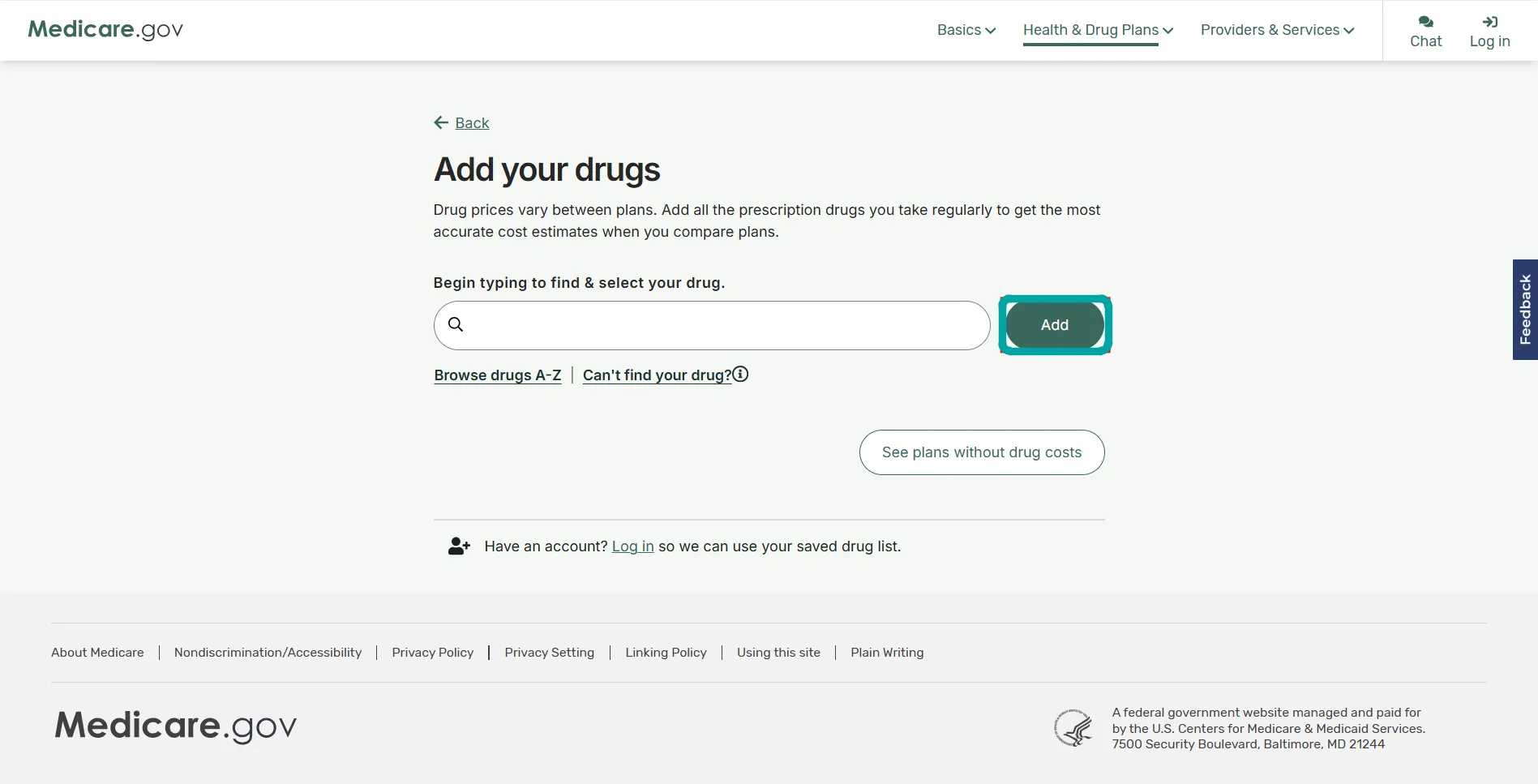
Step 7: Add your prescription drugs
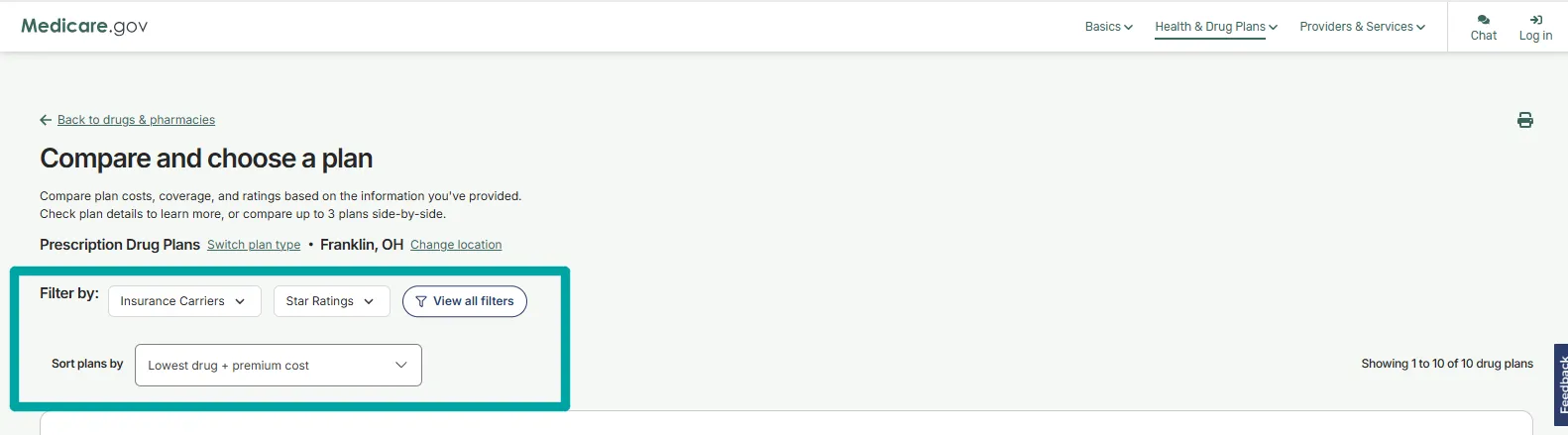
Step 8: Review and sort available drug plans
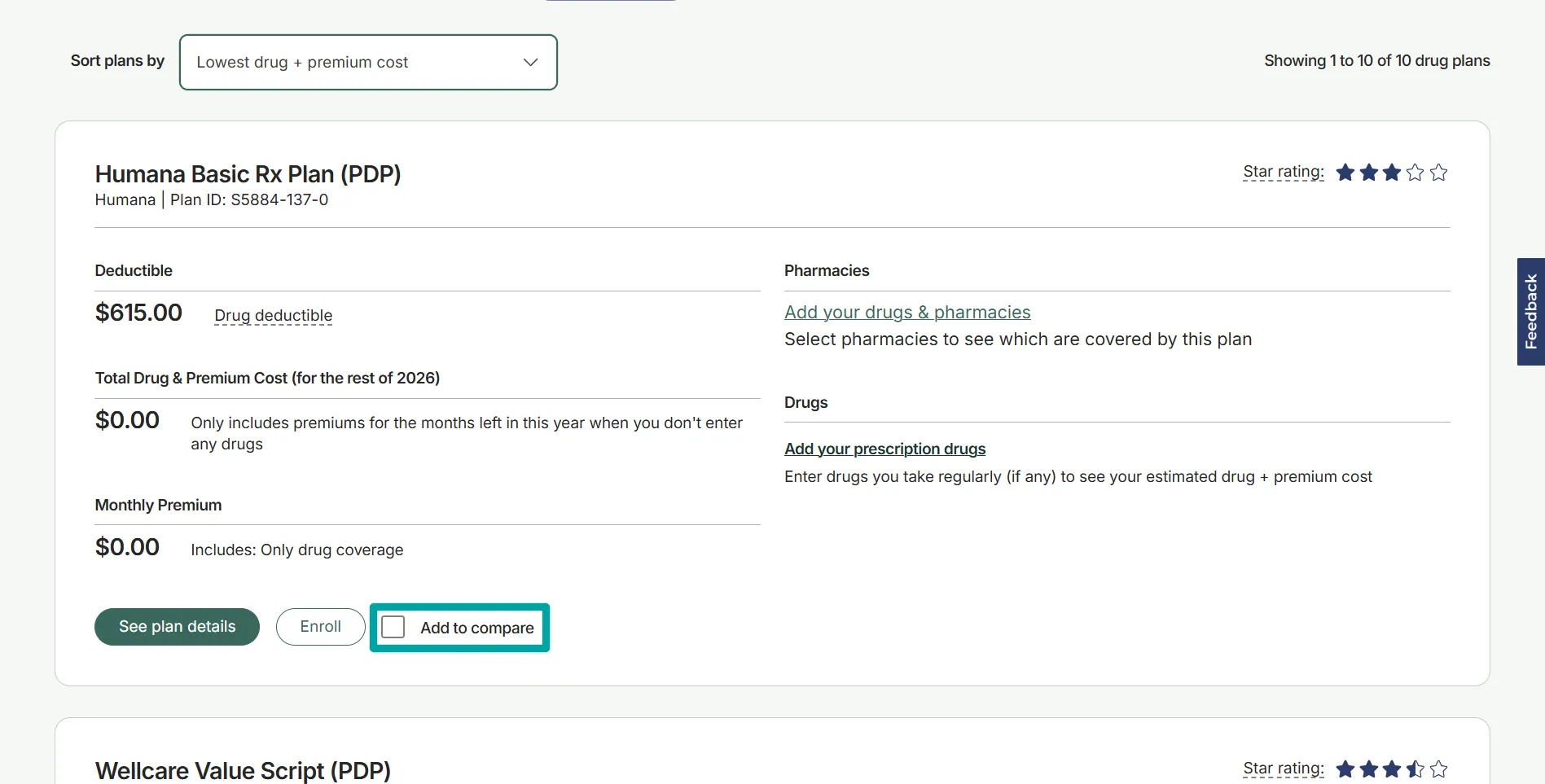
Step 9: Review a plan and add it to your comparison
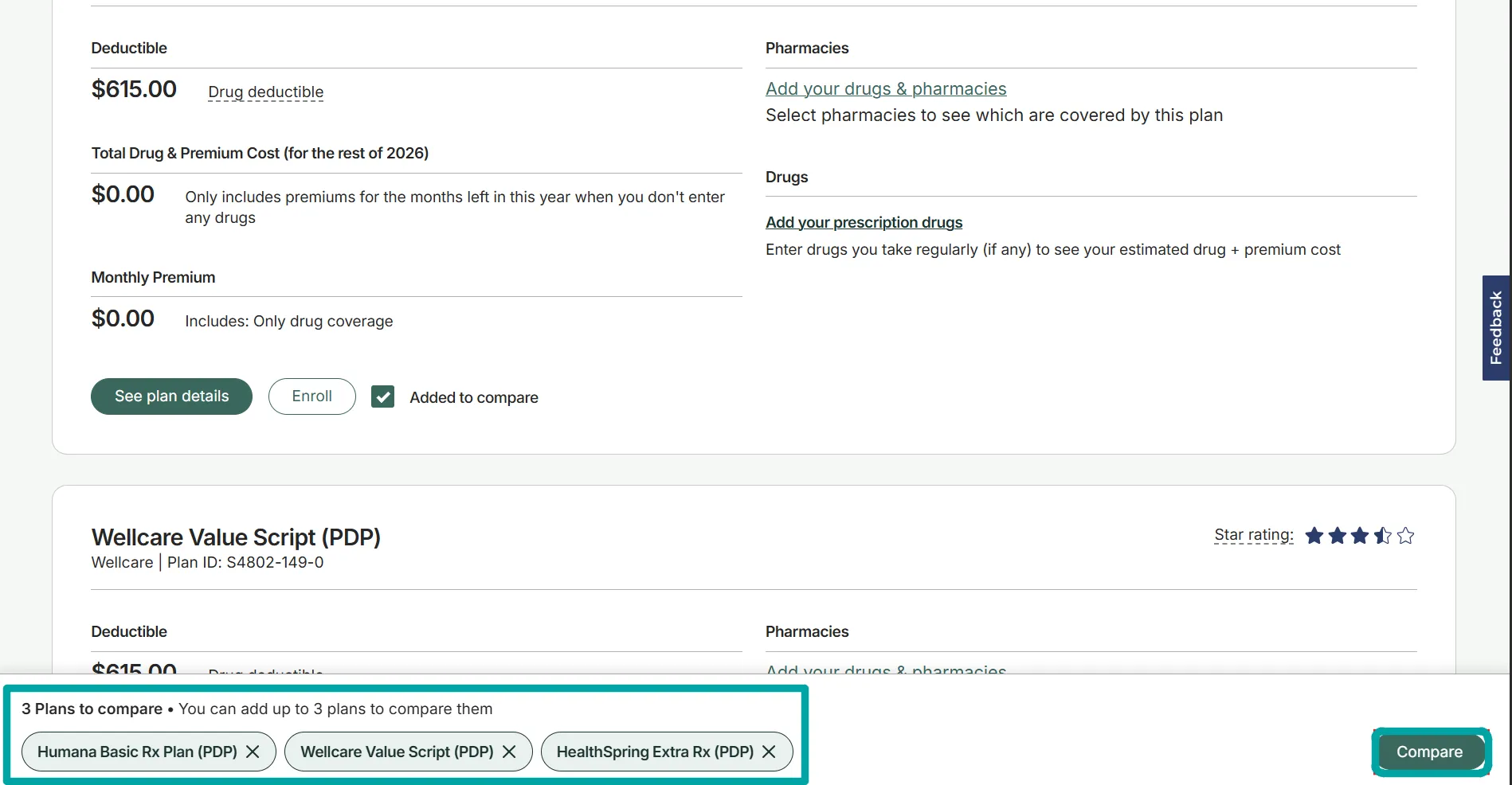
Step 10: Open your selected plan comparison
Step 11: Compare monthly premiums and plan ratings
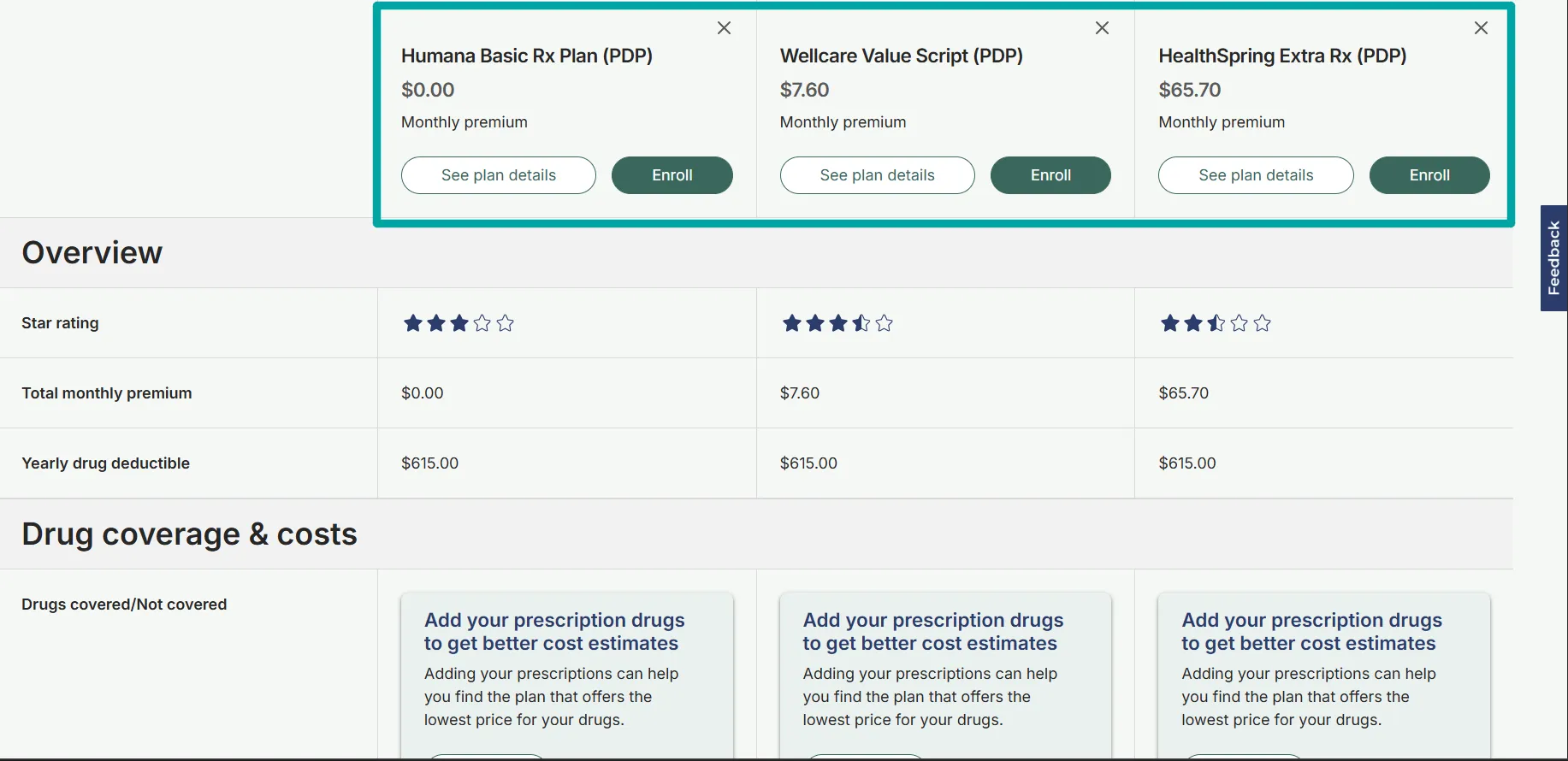
Step 12: Review drug coverage and costs
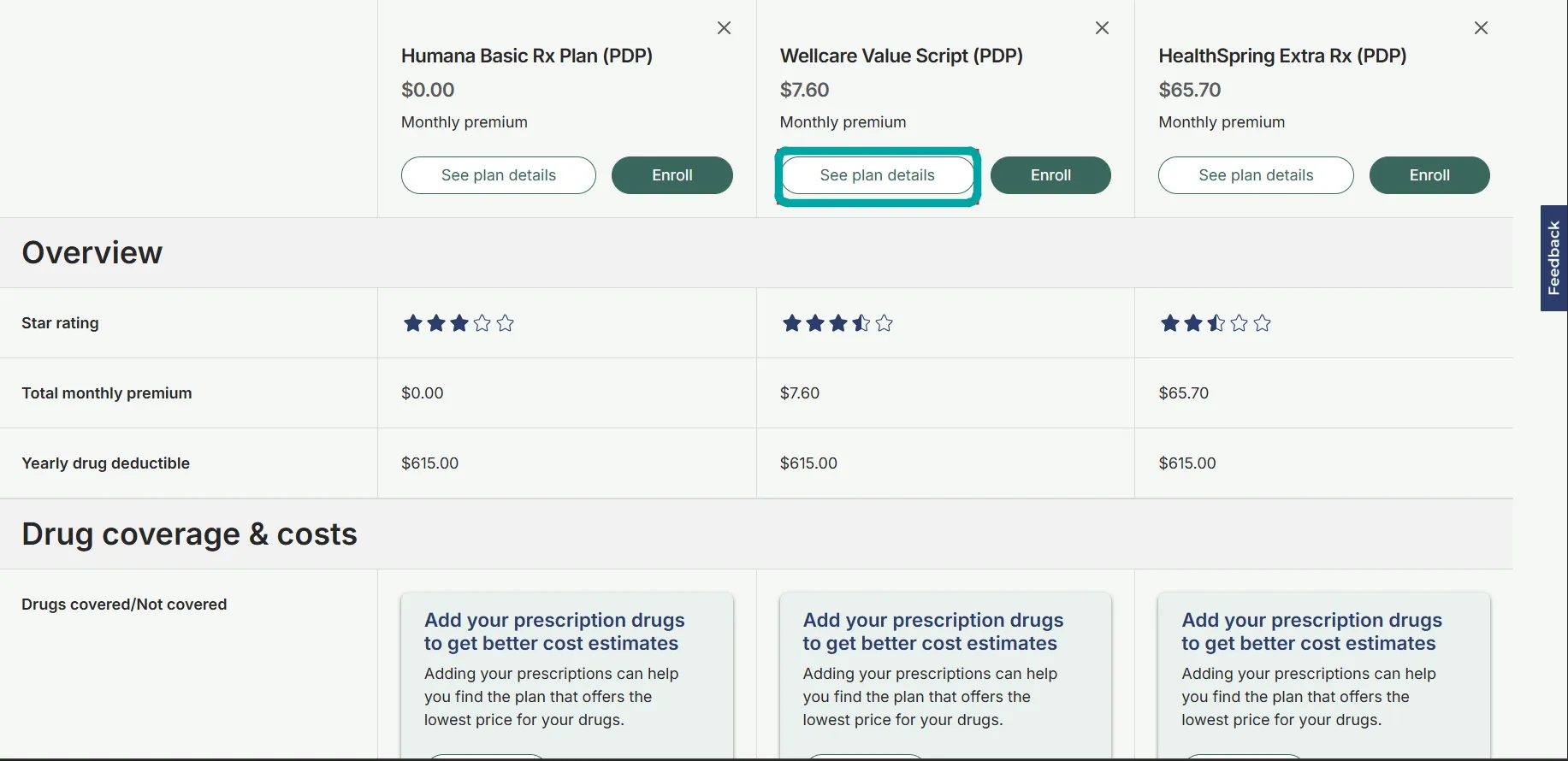
Step 13: Check deductibles and prescription cost estimates
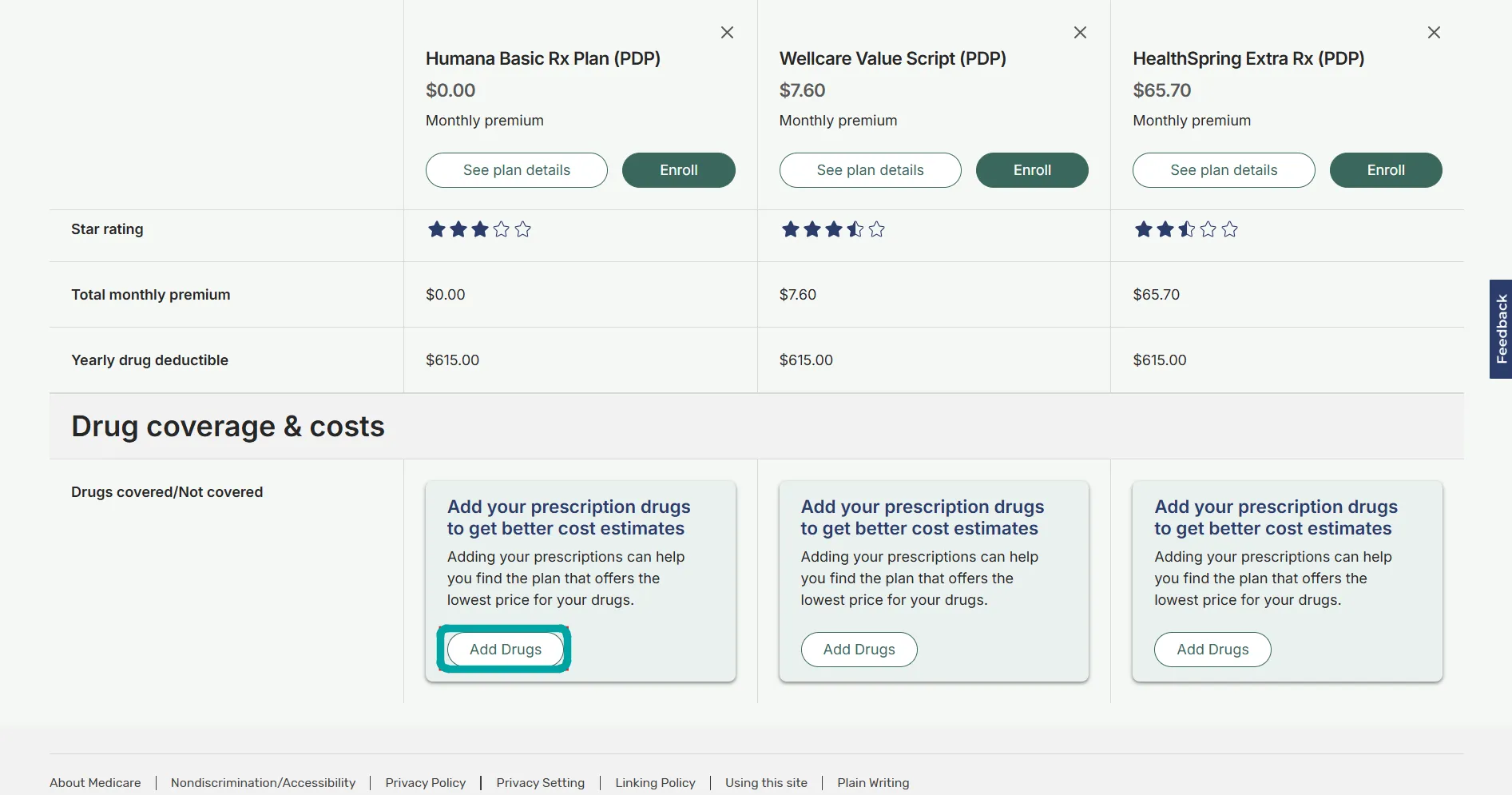
Step 14: Add drugs for more accurate estimates
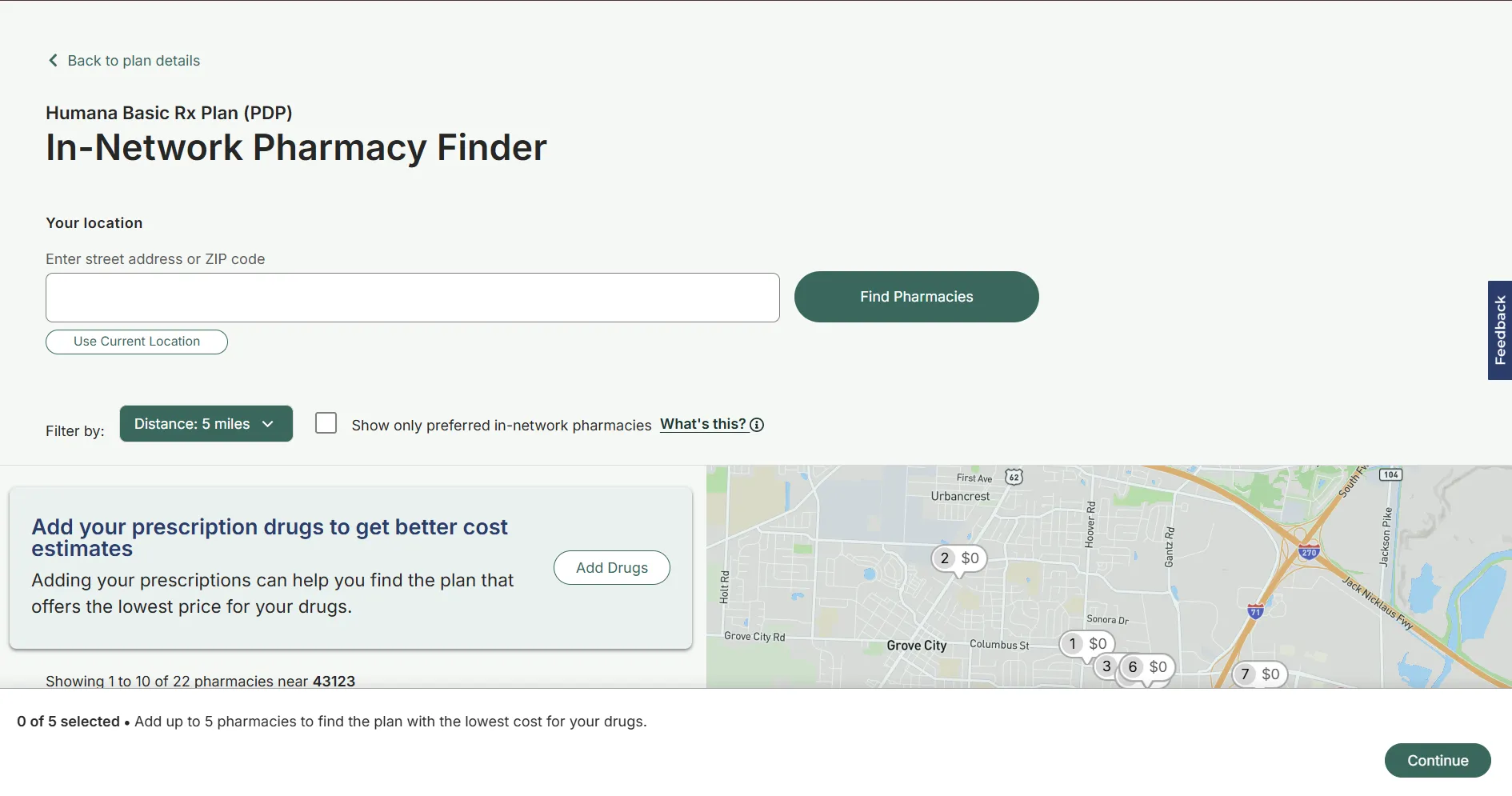
Step 15: Find and select your pharmacies
Step 16: Review what you need and choose Join Plan
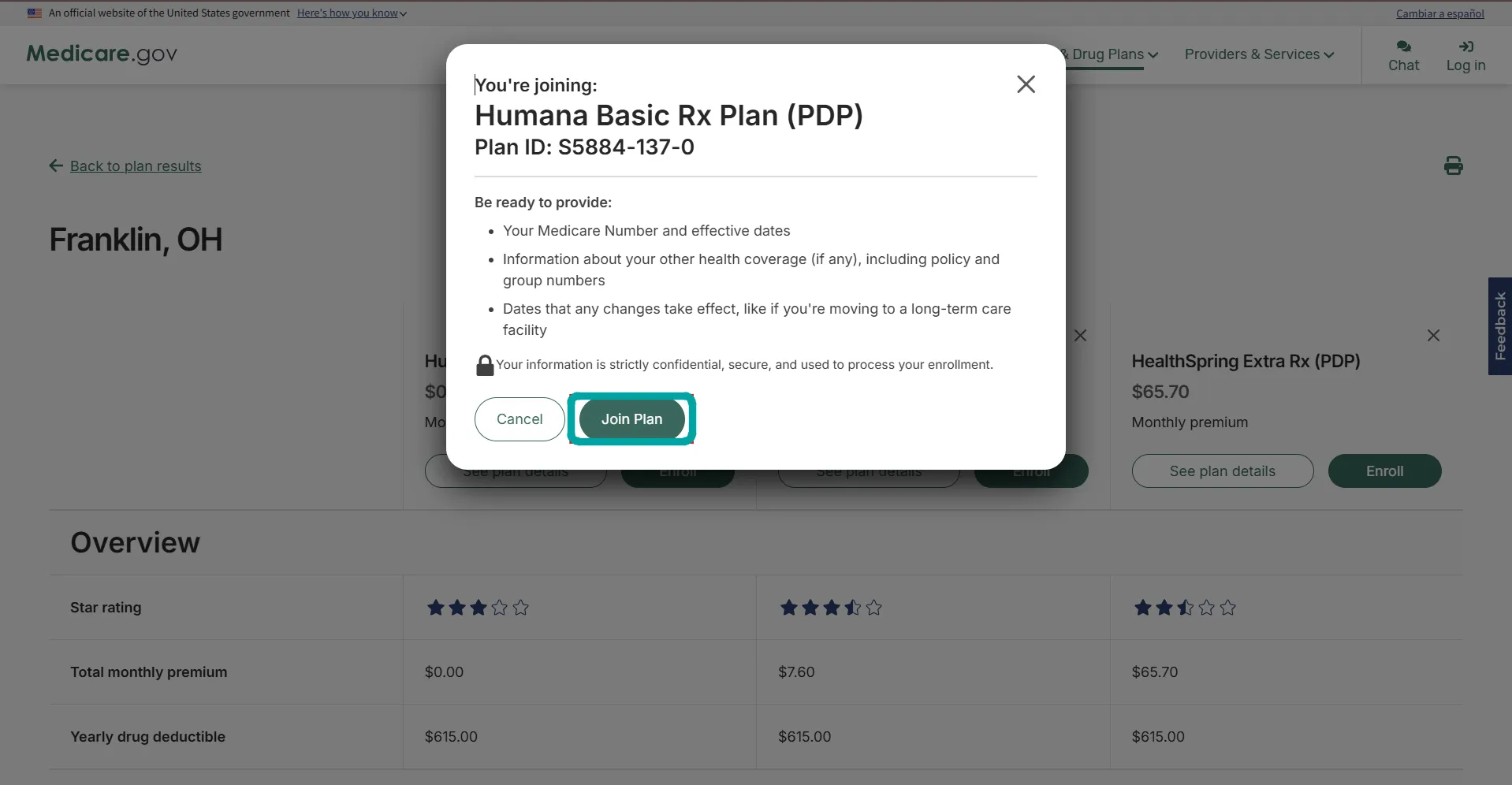
Step 17: Review enrollment period requirements
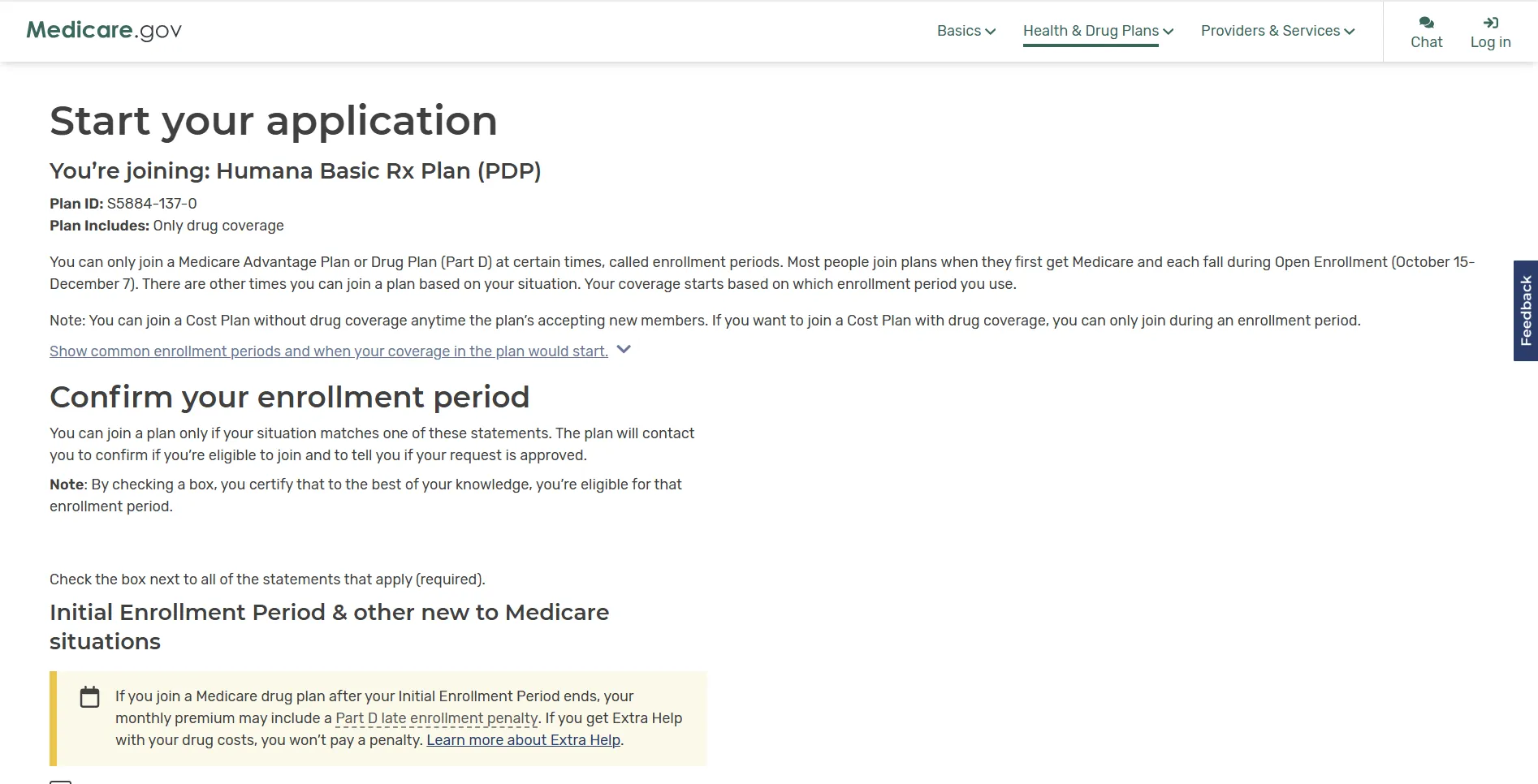
Step 18: Check the new-to-Medicare enrollment options
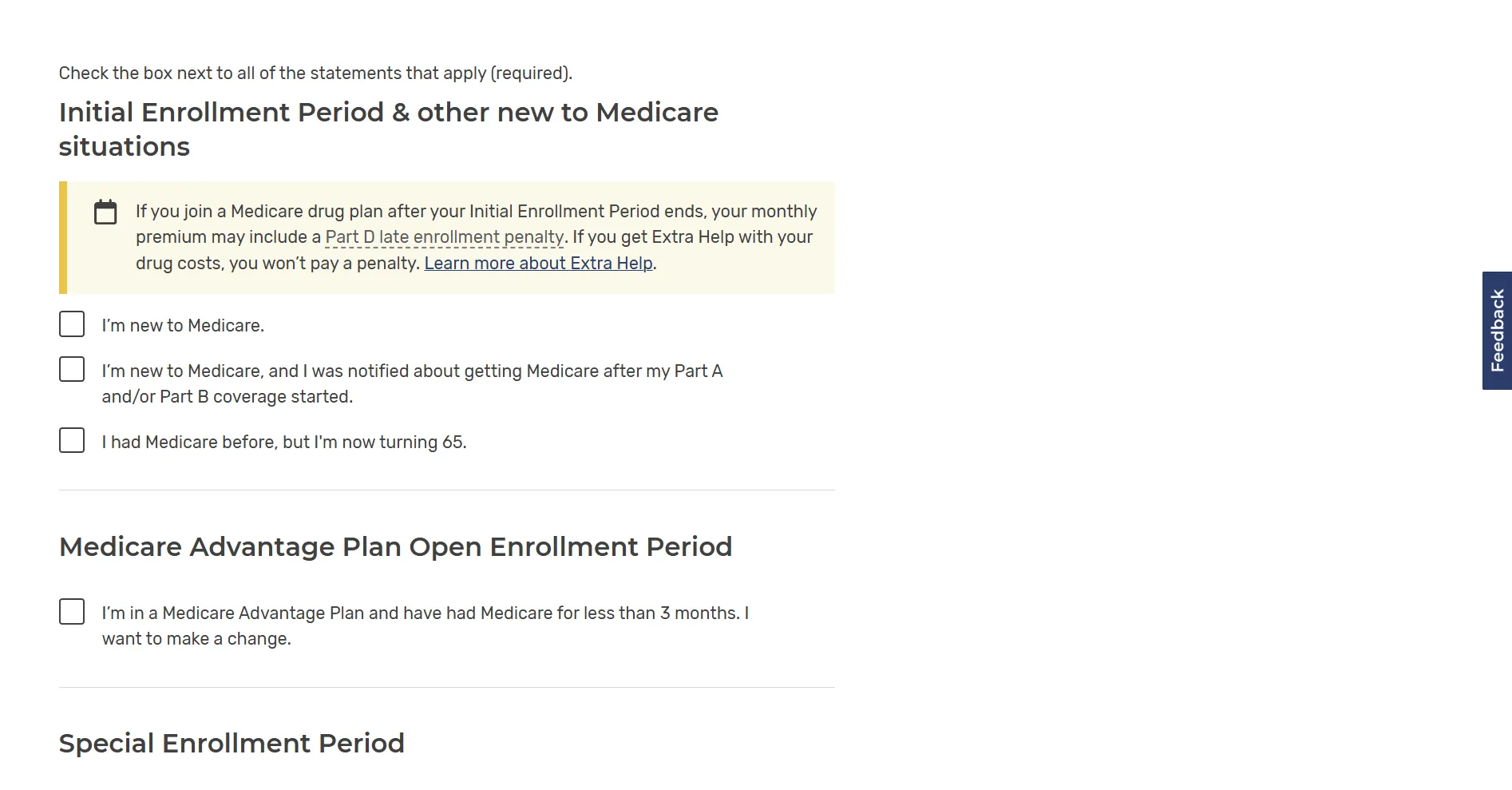
Step 19: Review Special Enrollment Period options
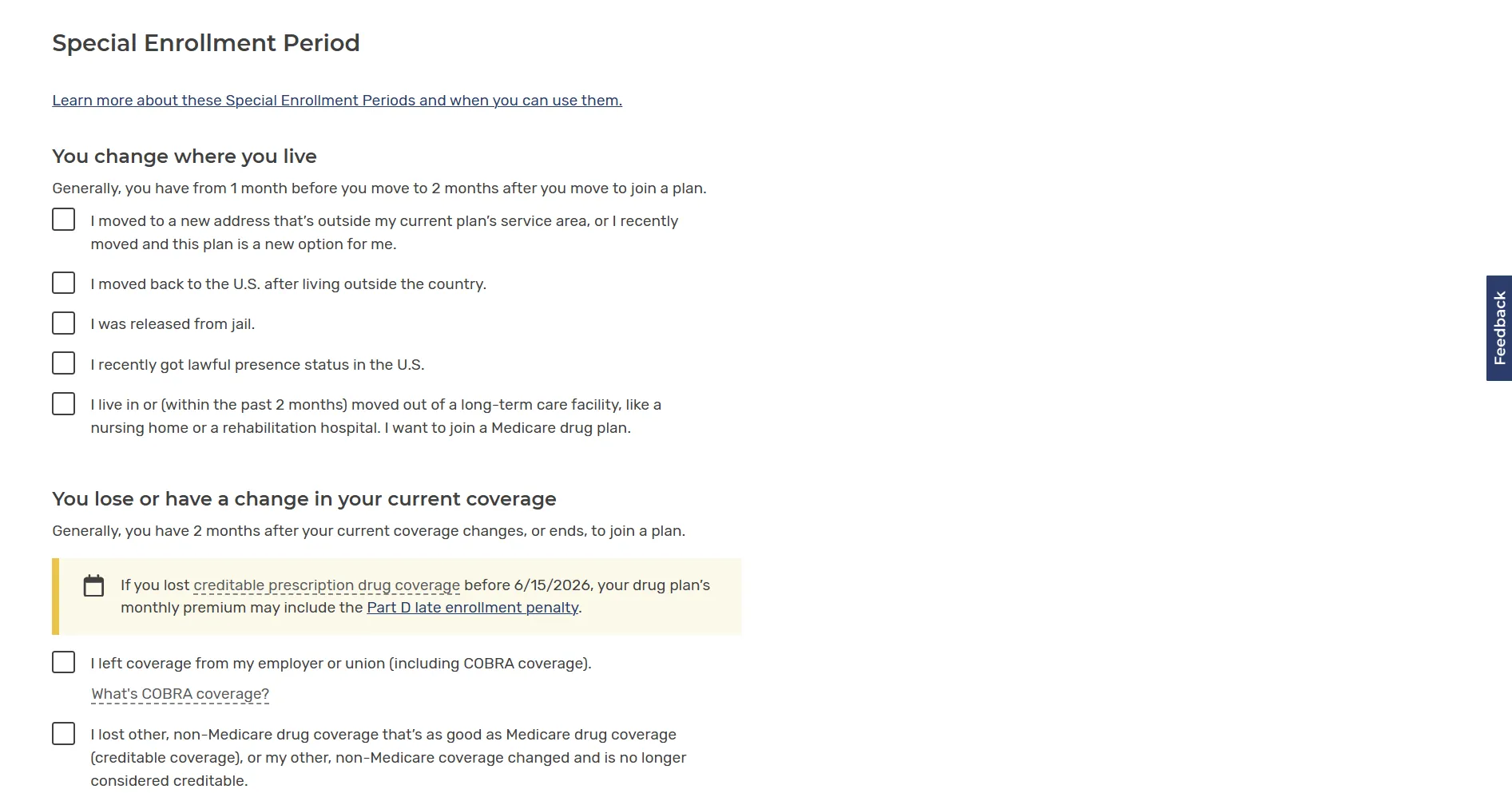
Step 20: Select the enrollment situation that applies to you

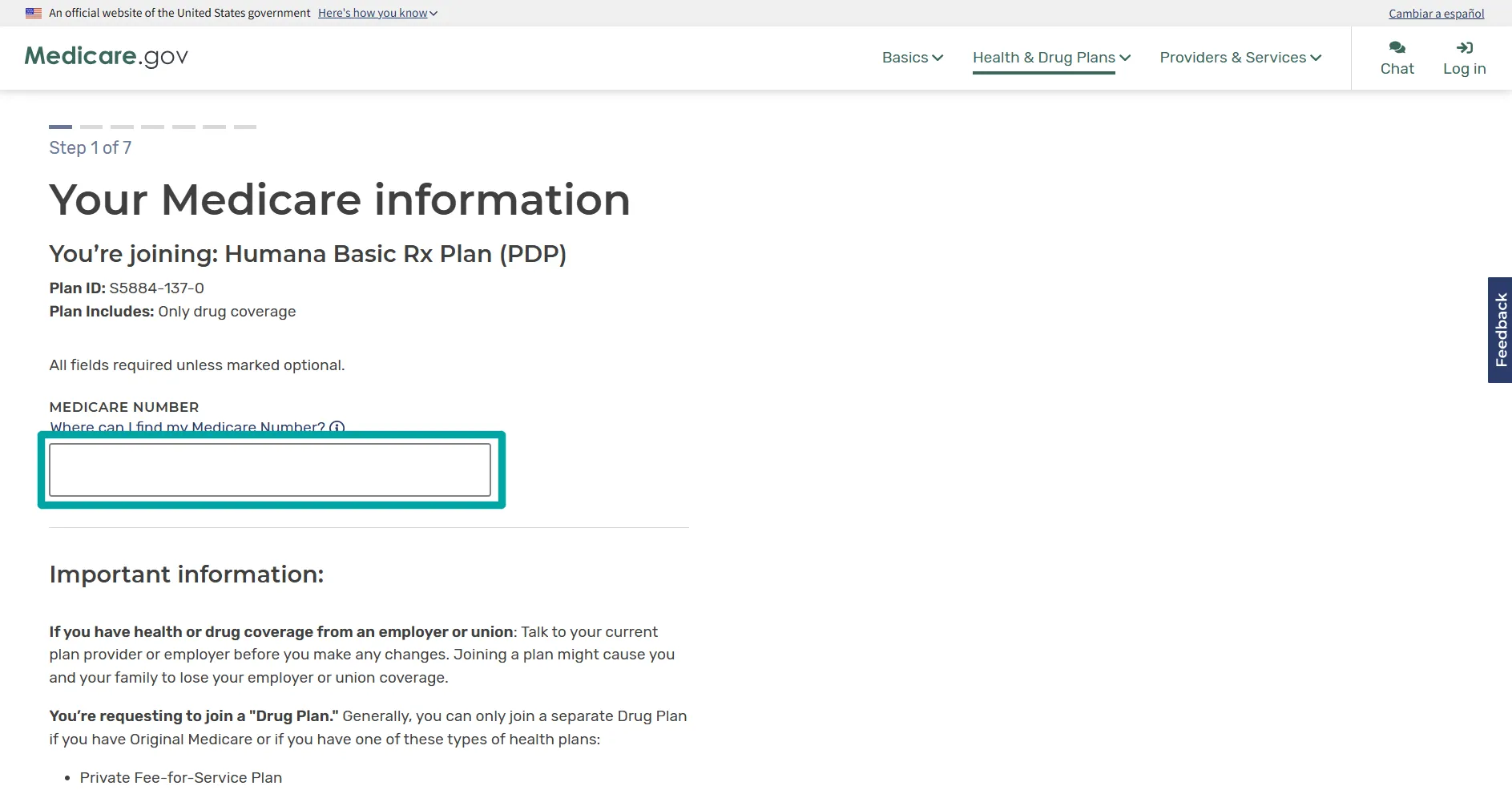
Step 21: Enter your Medicare information
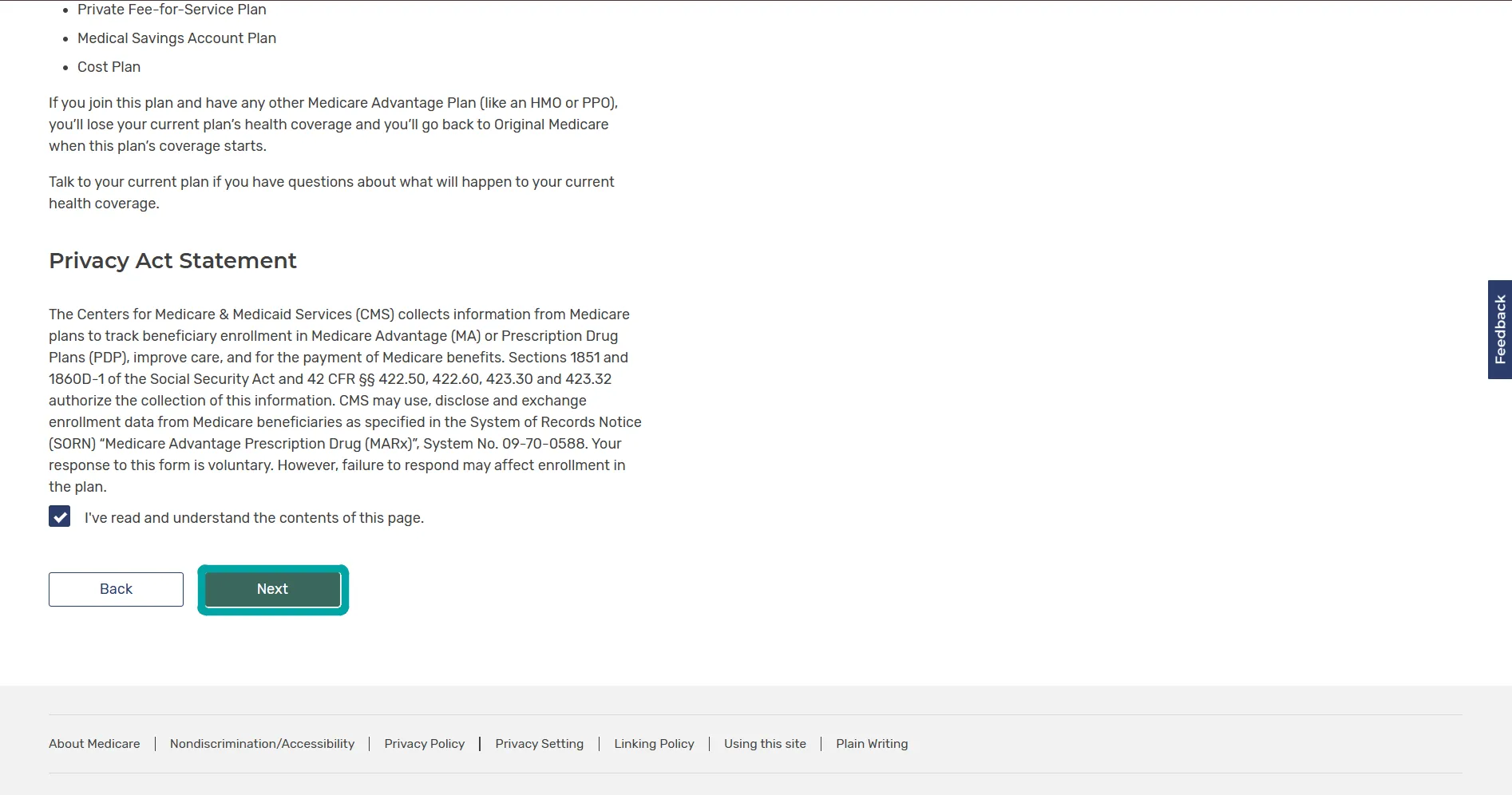
Step 22: Read and acknowledge the Privacy Act Statement
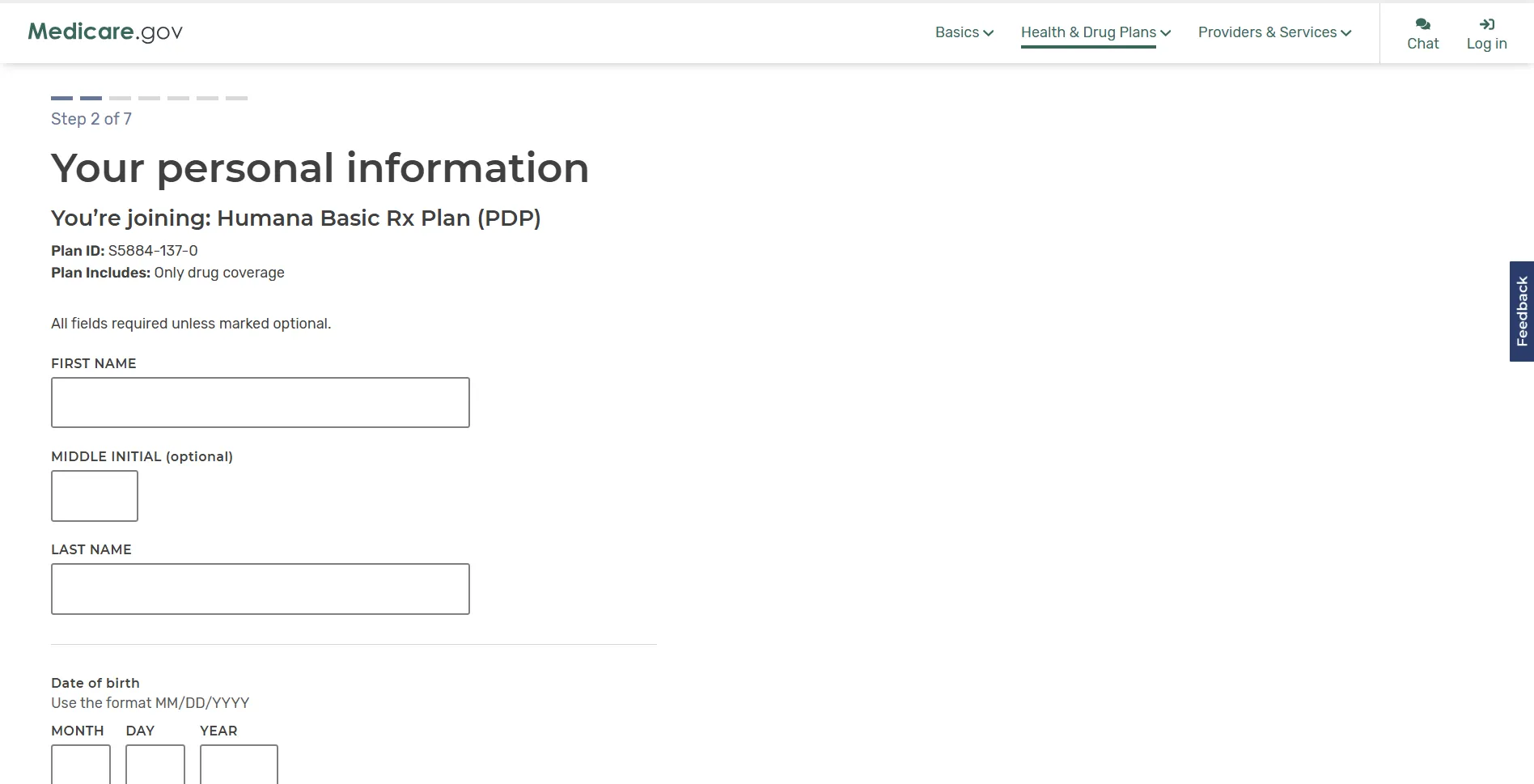
Step 23: Enter your personal information
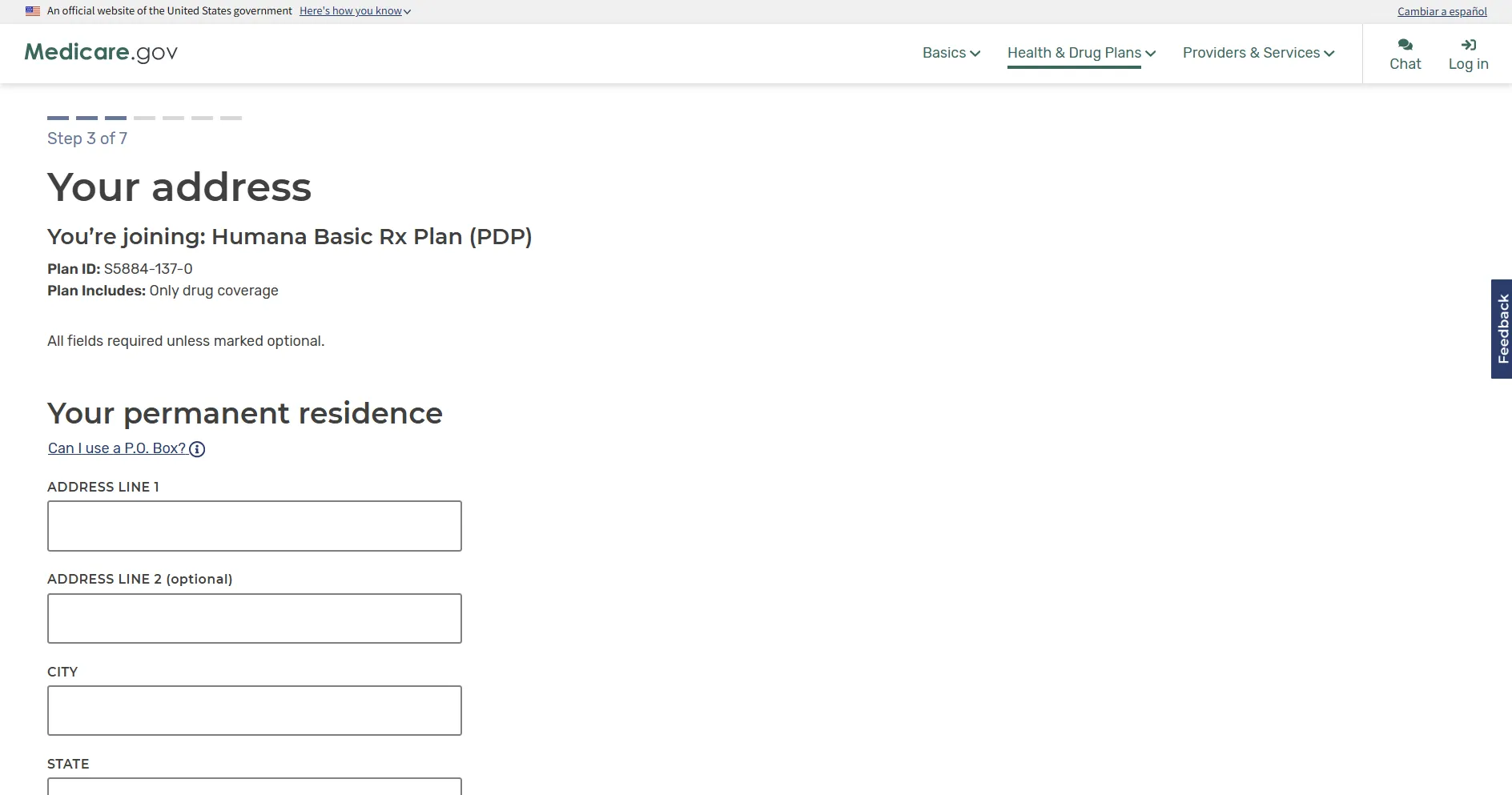
Step 24: Enter your address
Step 25: Answer the general coverage questions
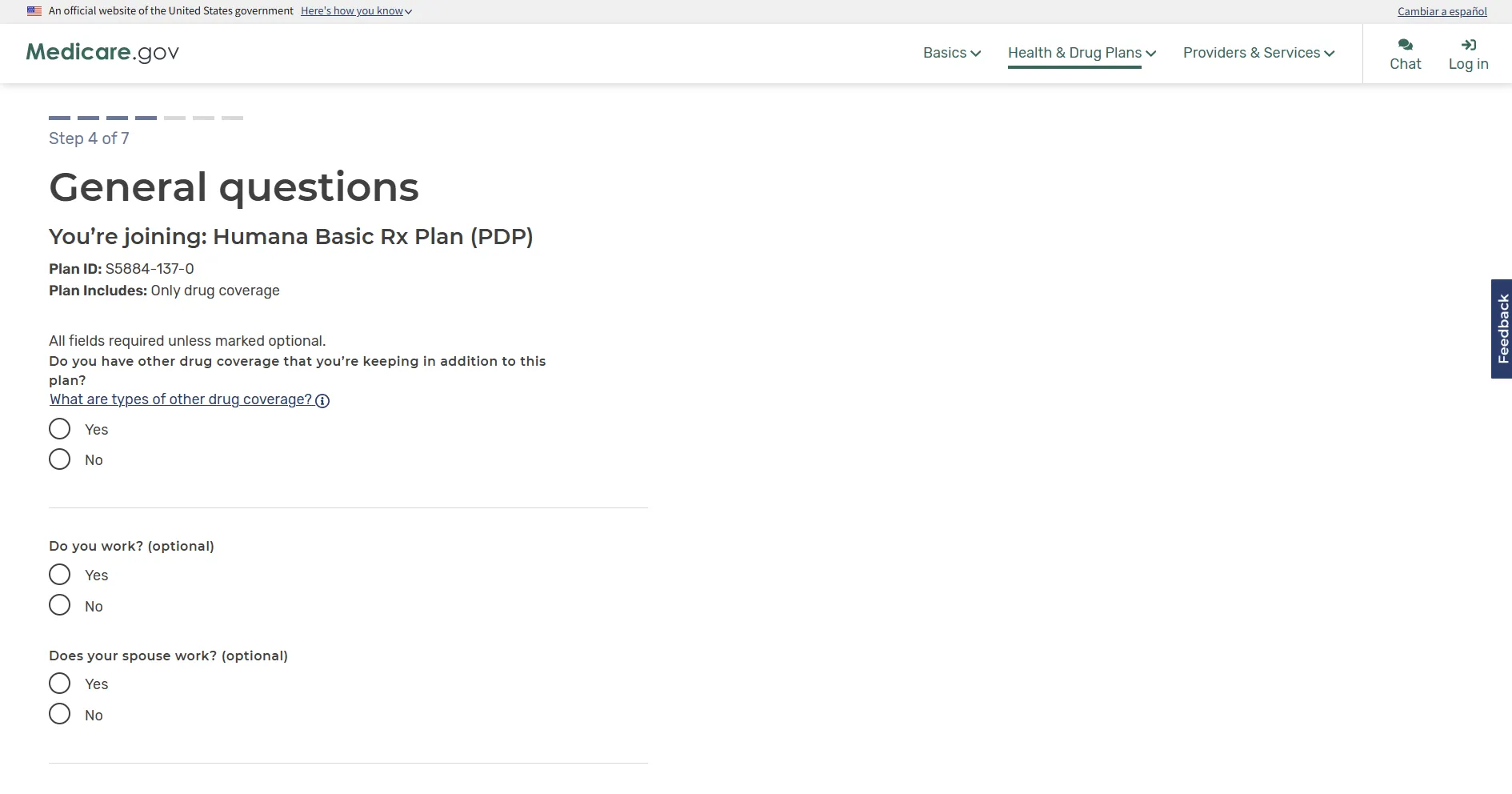
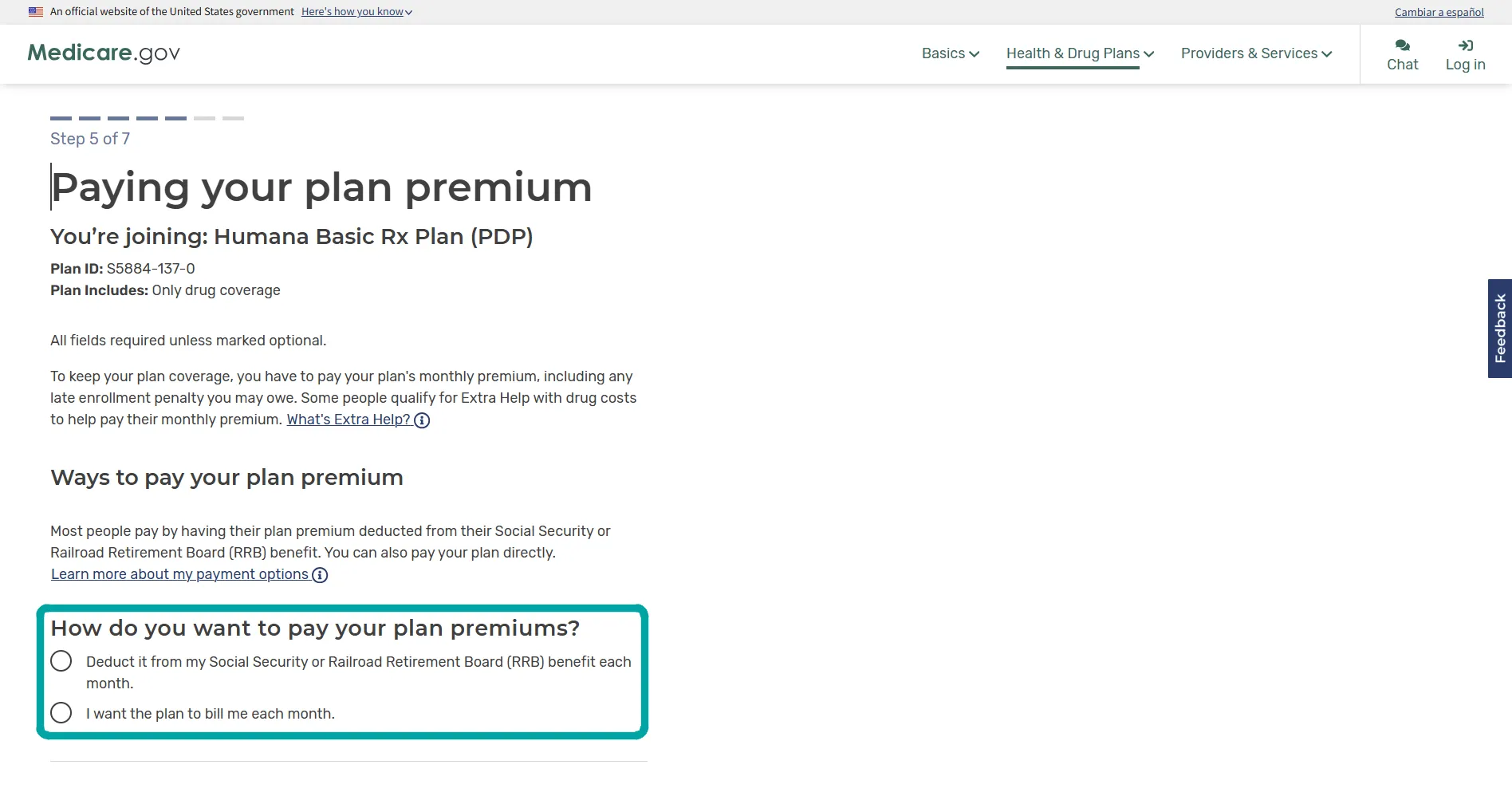
Step 26: Choose how to pay your plan premium
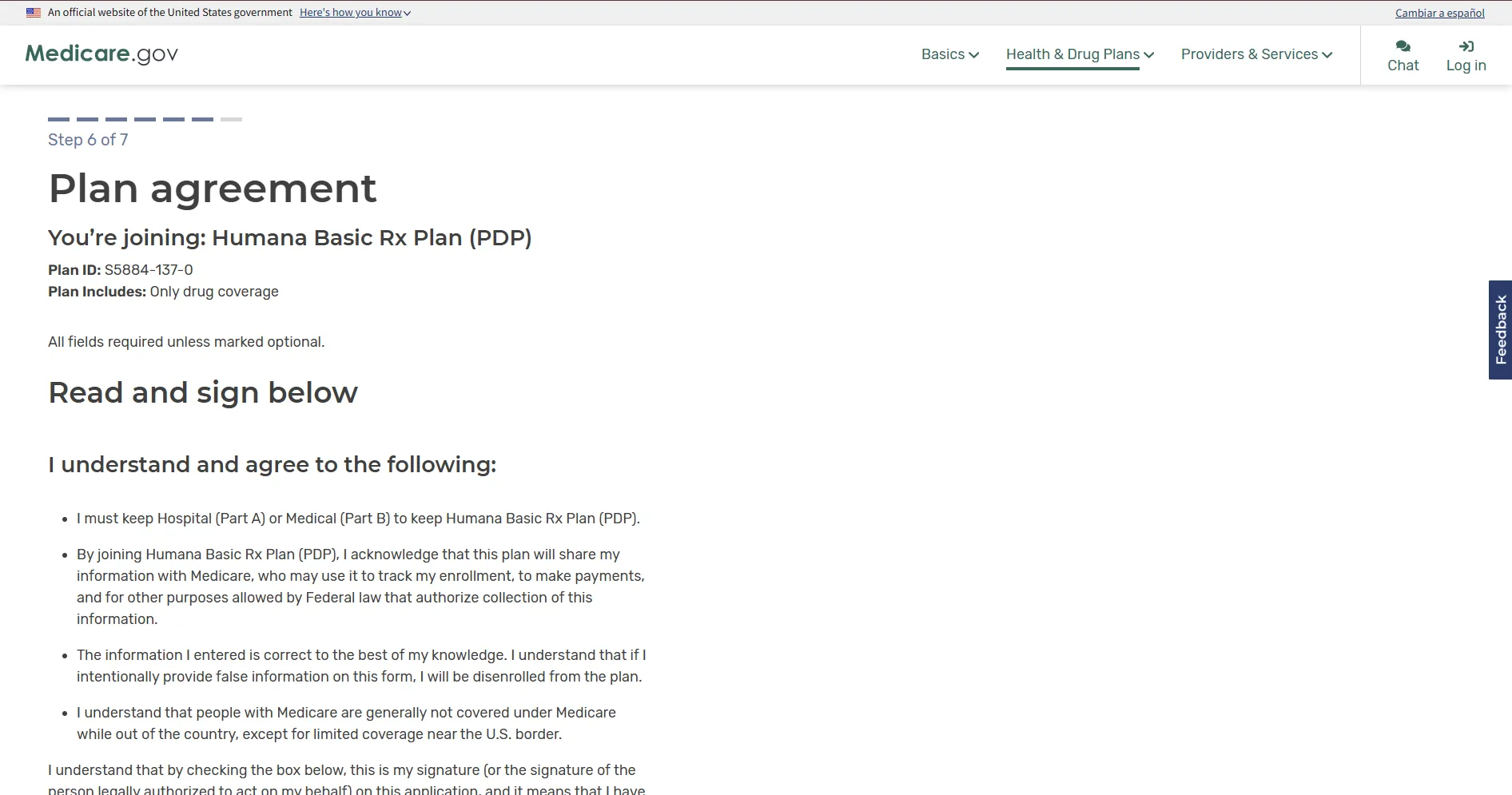
Step 27: Review and accept the plan agreement
Step 28: Review your application and correct any errors
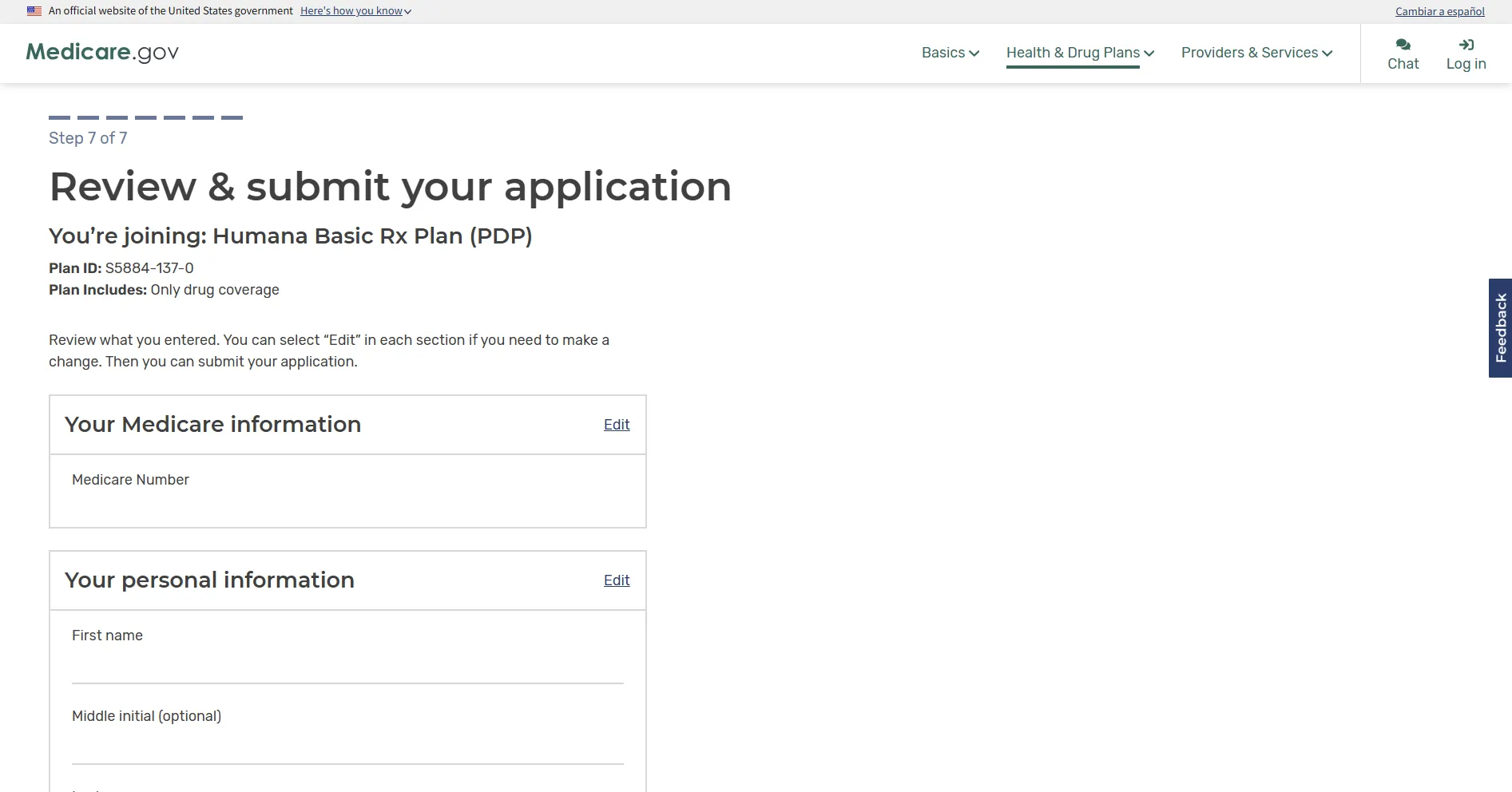
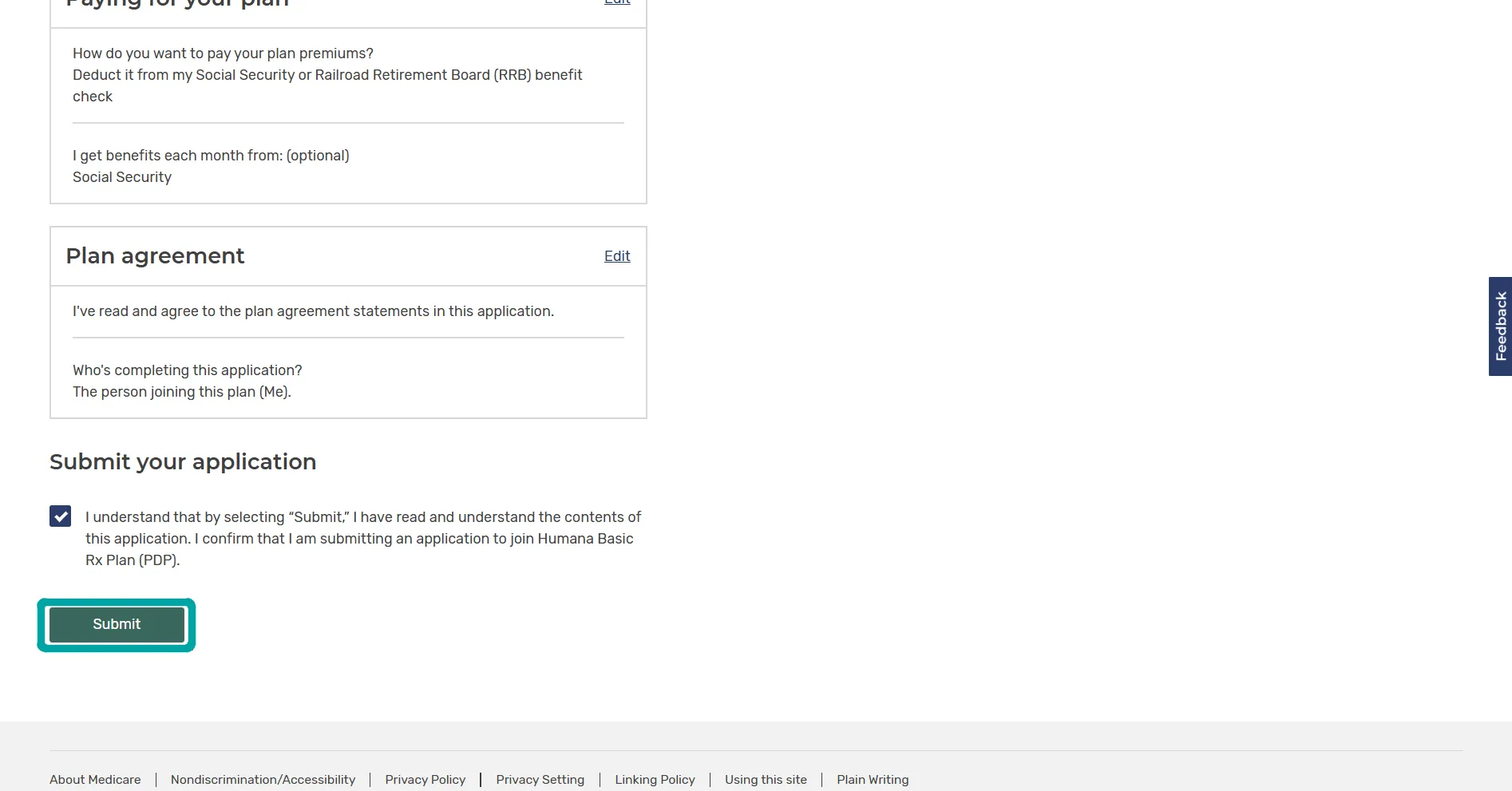
Step 29: Acknowledge and submit your application